eTriage featuresPatient redirection
Custom end screens
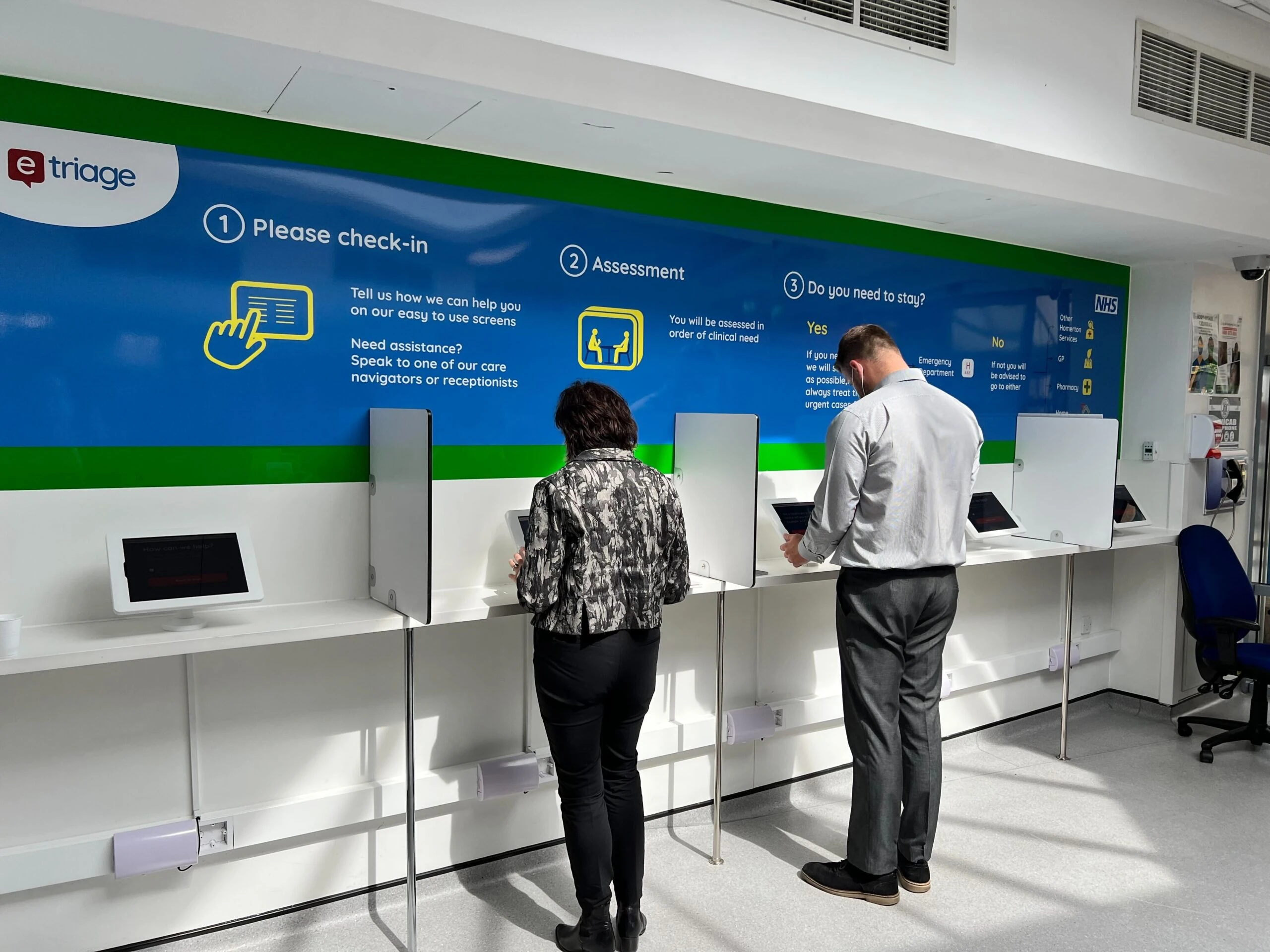
Customised messages and redirection after each submission. Each Trust and department has different processes depending on patient submissions, so customising the message shown to patients after they finish gives your department the ability to direct them to the most appropriate place.
What it does
Direct patientsto the right place
eConsult custom end screens allow Emergency Departments to better direct patients to the most appropriate place in their department.
Departments have the ability to display a custom message to patients, with the intention of automatically directing them based on a number of configurable flags:
✓ Priority rating
✓ COVID status
✓ Immunosuppressed status
✓ Paediatric or adult submission
Each site is offered free full customisation, and our team will work with the department staff to build the customisations that best suit them.
Example end screen
COVID status
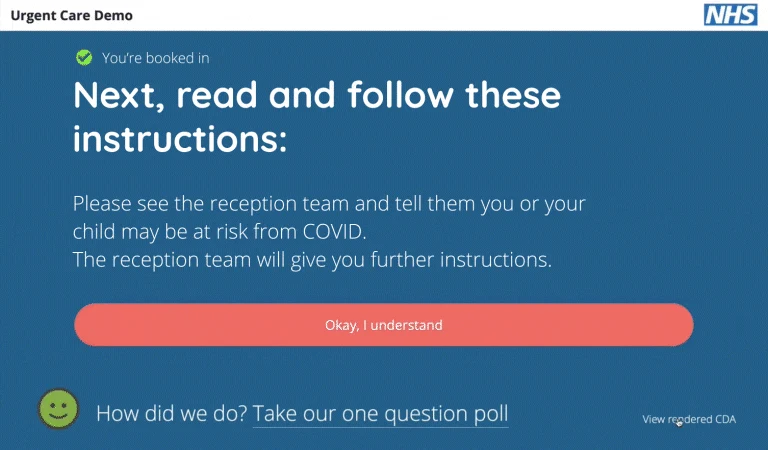
The patient is booked in and asked to see the reception team and tell them they may be at risk from COVID. The reception team then gives them further instructions.
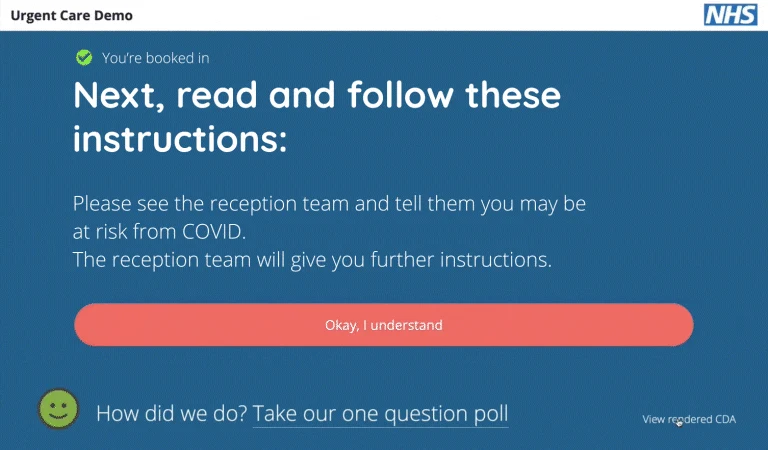
Example end screen
Paediatric or adult
The same message can be worded for the submission. When it is for a child, the screen reads "you or your child may be at risk from COVID".
Example end screen
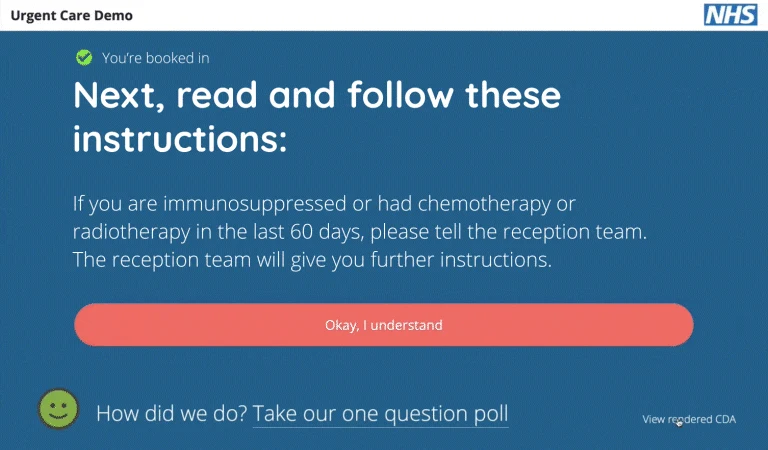
Immunosuppressed status
Patients who are immunosuppressed, or who had chemotherapy or radiotherapy in the last 60 days, are asked to tell the reception team.